


Introducing Manulife website and app
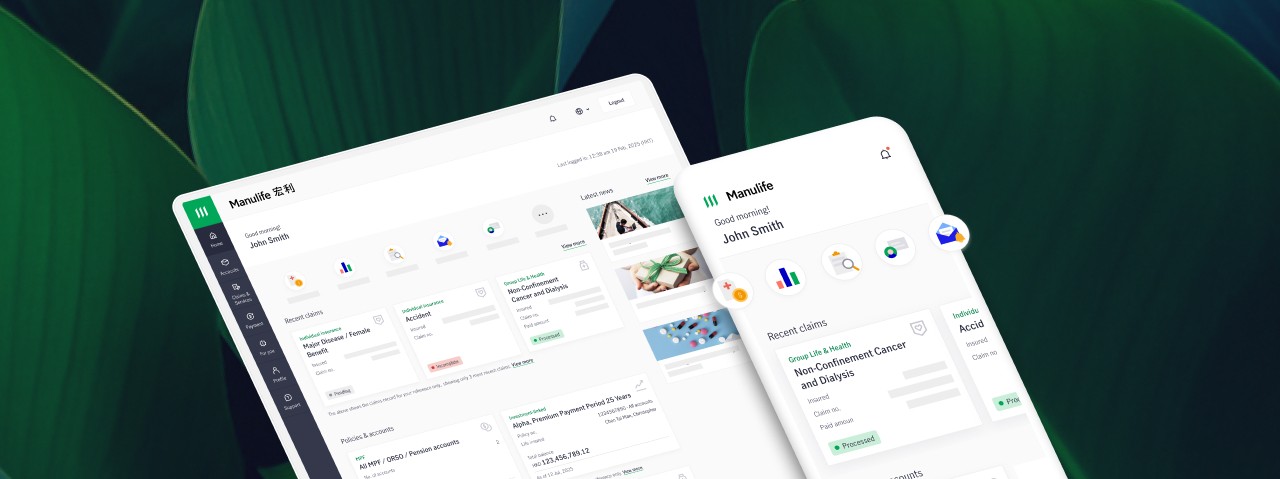
With a revamped look, experience a seamless and modern interface that offers easy navigation for quicker access to our digital services!

Manulife Hong Kong Website

Main Features and Guidelines
Function | Manulife Hong Kong website | Manulife Hong Kong app |
View Account | ||
Policy & account summary |  | |
| | |
Manage Account | ||
| Contact information update | | |
| Change beneficiary | | |
| Manage funds / investment choices | | |
Apply policy loan | | |
| Change premium payment mode / method | | |
| Set up autopay | | |
| Transfer / withdraw policy value | | |
| Set fund / investment choice price alert | — | |
Manage Policy Change RequestsReview and submit below change application filled out by insurance advisor under your instruction {0}
|
(The review and submission steps) |
(The review and submission steps) |
Claims | ||
Claim enquiry | | |
| Claims Submission | | |
Health | ||
eCard(s) | | |
Search Healthcare Network | | |
HealthCompanion | | |
After advisor fill out details following your instructions, you’ll receive notification via SMS and/or email. Please login & select "Manage Policy Change Requests” on homepage, follow the steps & submit. For more info, please contact your advisor.
Remarks
1. Only applicable to (i) policies issued in Hong Kong, and not applicable in Macau, and (ii) for riders / supplementary benefits that are not mandatory to conduct Financial Needs Analysis (FNA). Advisor and the customer must meet in person in Hong Kong during the entire process.
2. Applicable for suspend, cancel, or resume autopay; repay loan by autopay; and correct autopay debit date, with effective date within 2 months from the submission date.
3. Only applicable to selected products and policies issued in Hong Kong, and not applicable in Macau. Advisor and the customer must meet in person in Hong Kong during the entire process.
4. Only applicable to selected products.




© 2002-2026 Manulife (International) Limited